UI
Customize the look and feel of EZPlayer on this device.
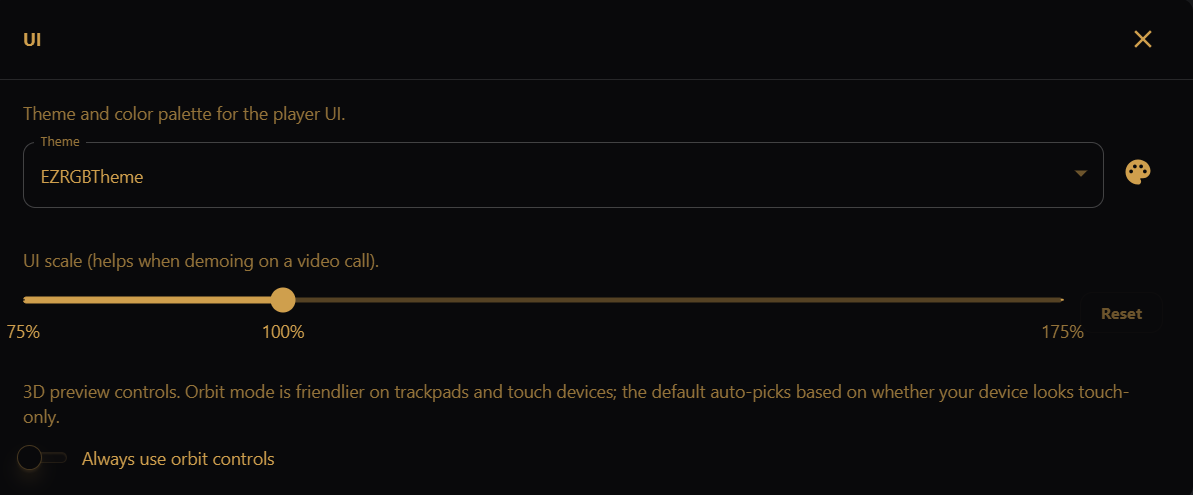
- Theme — choose from EZRGBTheme, PureLightTheme, or NebulaFighterTheme. Use the palette icon next to the dropdown to preview the theme's colors.
- UI scale (desktop app only) — zoom the entire UI between 75% and 175%. Useful when demoing on a video call. Click Reset to return to 100%. In the browser LAN UI, use the browser's own zoom (Ctrl±) instead.
- Always use orbit controls — when enabled, the Show View uses orbit controls (better for trackpads and touch). When off, EZPlayer picks the control style based on your device.