Shell
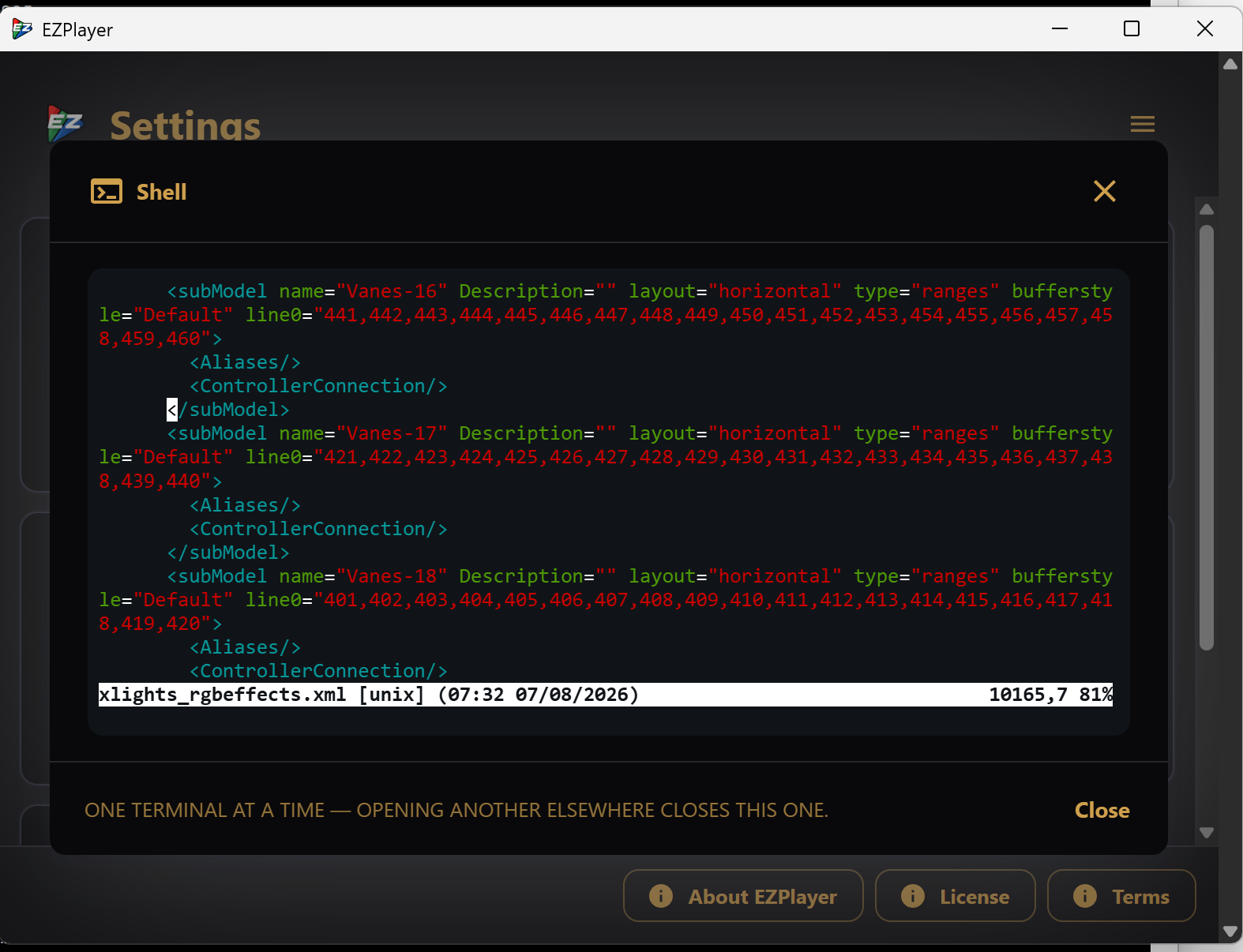
Opens a terminal on the machine running EZPlayer.
This tile only exists if you turned it on
The Shell tile appears only after someone runs a CLI command on the player machine:
ezplayer shell --show-folder "D:\Shows\MyShow" --password-file secret.txt
On Windows, to enter the password interactively, run ezplayer.cmd (installed next
to EZPlayer.exe) rather than the .exe itself.
Alternatively, supply the password with --password-file or --password.
See the CLI reference.
If not enabled, the feature is completely inaccessible. See
Remote access in
the CLI reference for the full command and for --clear.
The shell and file manager have separate passwords. Passwords are saved per show folder.
Using it
Click the tile, enter the shell password, and you get a terminal. It starts in
your home directory, running your platform's normal shell (cmd.exe on Windows,
$SHELL elsewhere).
- One terminal at a time, player-wide. Opening another, from any UI, closes existing terminals.
- Closing the dialog ends the shell. The process is killed when the window disconnects.
Before you enable it
A shell provides full control of the machine, so it is worth being deliberate:
- Over the cloud, your password is encrypted end to end. A remote user / attacker needs the cloud URL, the player token, and the password.
- LAN traffic is not encrypted. The LAN UI is plain HTTP, so someone sniffing your local network as you log in could capture the password. That is true of the whole LAN surface (which has no authentication at all), but it matters more here.