Jukebox
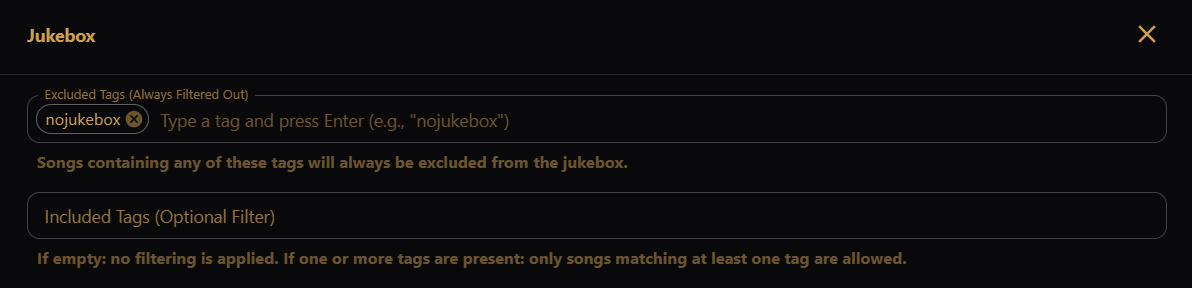
Control which songs appear on the Jukebox screen using tags on your sequences.
- Excluded Tags (Always Filtered Out) — songs with any of these tags are
hidden from the jukebox. The default tag
nojukeboxis always excluded; you can add more (type a tag and press Enter). - Included Tags (Optional Filter) — when empty, all songs are allowed except excluded ones. When one or more tags are listed, only songs that match at least one included tag are shown.
Tag matching is case-insensitive.